
Q. How to reset my LT Wallet password to retrieve LT Coins
Steps to reset LT wallet password
- You need to remember your private key
- Uninstall the wallet and download it again
- Recover the identity, import the private key
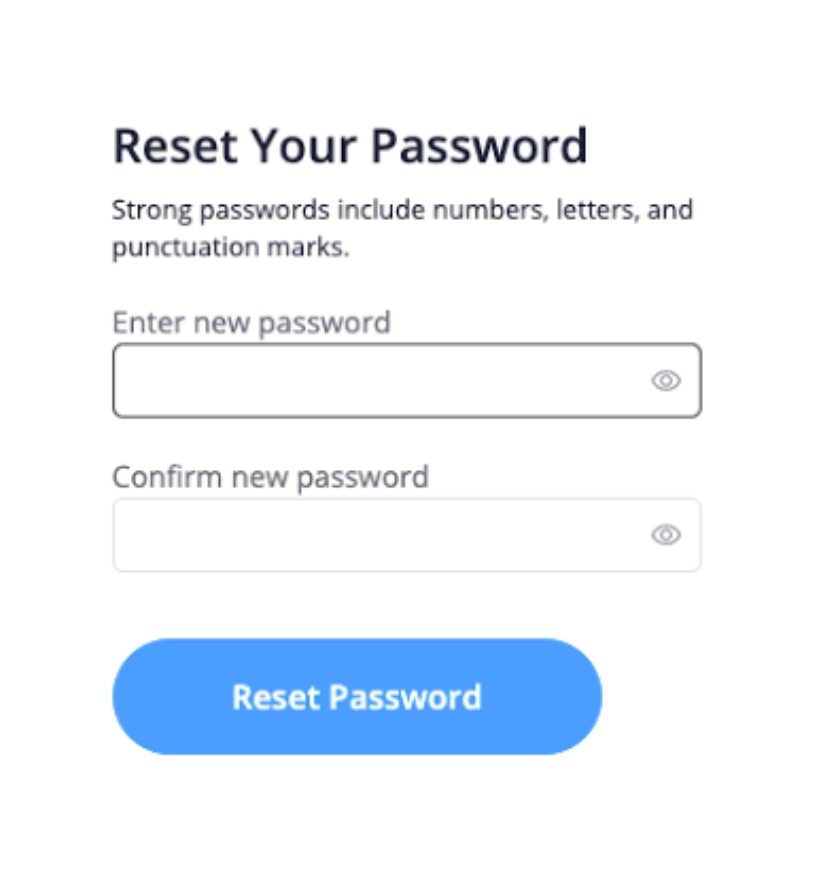
and change the password
PS: If you just downloaded and want to restore your identity, you need an interval of 10 minutes.If you do not save the private key, you will not be able to retrieve the old wallet
 Learn & Earn FREE Crypto